
1. Register an Account and Obtain Credits Based on Promotions and Account Status
Open the PowerTokens website and create an account. You can sign in with:- GitHub
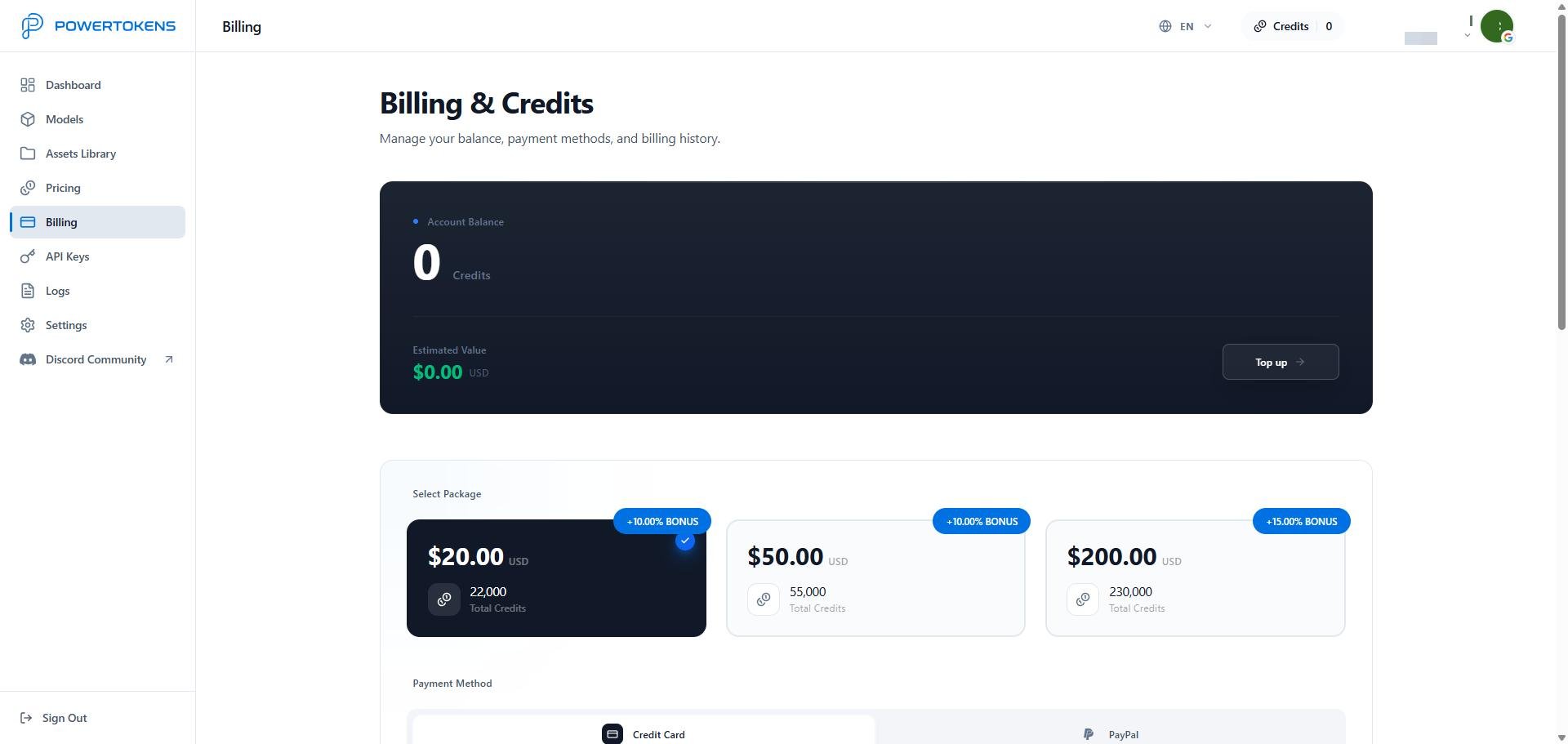
- Credit card
- PayPal
2. Create an API key and call a model
After you buy Credits, create an API key and make your first request through the platform API or the Playground. You will:- Create and store an API key
- Set key limits, reset behavior, and expiration
- Choose a model in Models
- Call the platform API at
https://api.powertokens.ai - Debug prompts and parameters in the Playground
3. View logs and usage stats
After you send requests, use Logs and Dashboard to track results, debug errors, and control cost. You can review:- Request history
- Generated results
- Error details
- Credits usage
- Request count and success rate
- API key-level usage
Get help
If you need help, contact PowerTokens through:- Email:
service@powertokens.ai - Discord: https://discord.gg/JtgtRdhJVS
- GitHub:https://github.com/PowerTokens