PowerTokens gives you a unified API for generative AI applications. You can call chat, image, video, and audio models from one platform, then manage Credits, API keys, request logs, and usage stats from the dashboard. Use this guide for your first integration. Complete these three tasks in order.

1. Register an Account and Obtain Credits Based on Promotions and Account Status

Open the PowerTokens website and create an account. You can sign in with:
  • Google
  • GitHub
  • Email
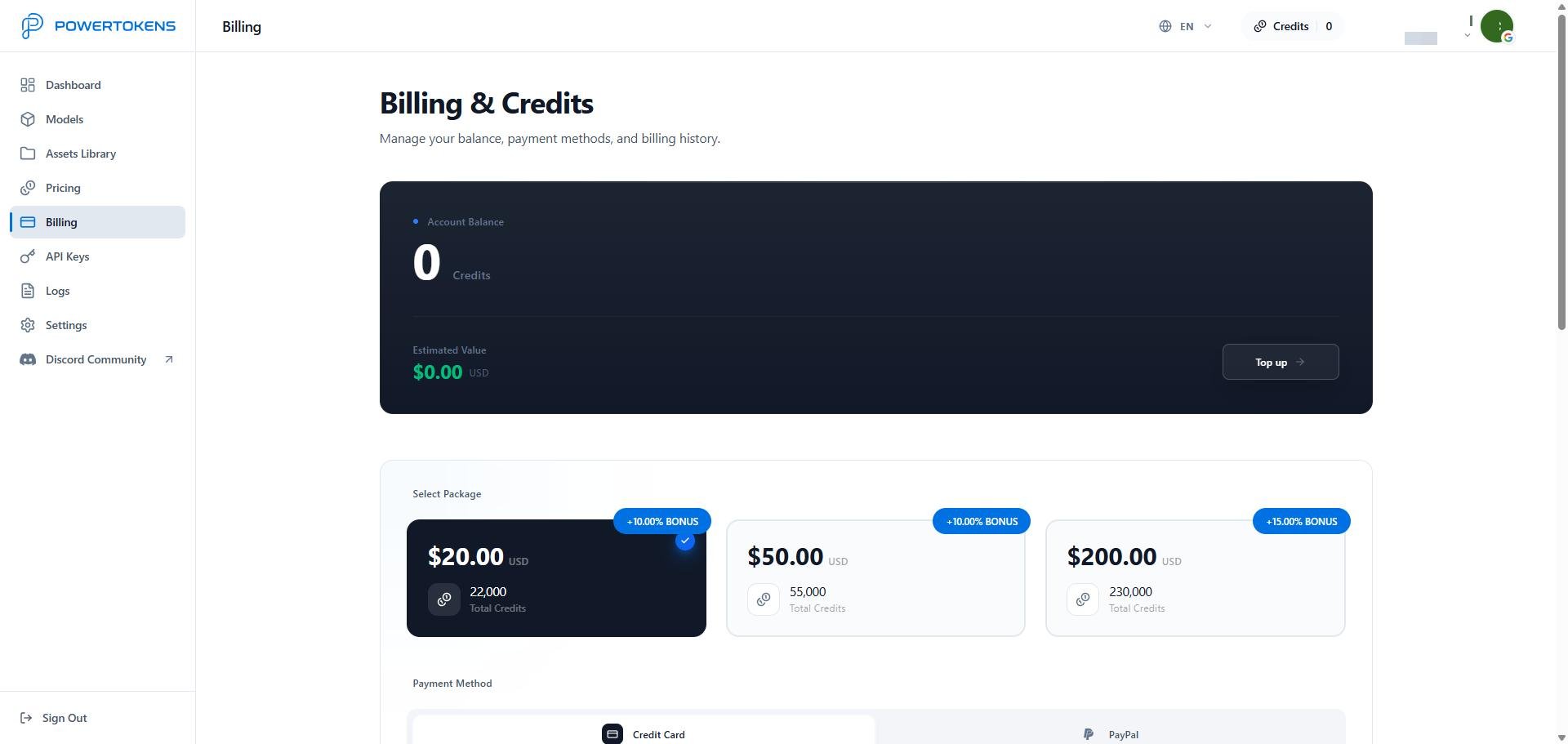
After registration, open the Dashboard. After registration, first check whether the platform is currently running a new-user registration bonus Credits promotion and whether your account has received the bonus by meeting the promotion requirements. This promotion is not always available; when no promotion is running, newly registered users will not automatically receive bonus Credits. If your account already has available Credits, you can proceed directly to the next step and create an API Key without making an initial payment. If no promotion is currently available, your account did not receive bonus Credits, or your existing Credits are insufficient, open the Billing page and select a suitable package based on your actual needs. PowerTokens Billing page Credits are your account balance. When you call a model, PowerTokens deducts Credits based on model usage. Supported payment methods include:
  • Credit card
  • PayPal
Tip: Whether adding Credits is necessary before you begin using the platform depends on whether your account already has available Credits. New-user registration bonus Credits are available only when the platform is currently running the relevant promotion and the user meets its eligibility requirements. When no promotion is running, registration does not automatically provide bonus Credits. If your account has received bonus Credits, you can create an API Key and start testing immediately; otherwise, add Credits according to your actual usage needs

2. Create an API key and call a model

After you buy Credits, create an API key and make your first request through the platform API or the Playground. You will:
  • Create and store an API key
  • Set key limits, reset behavior, and expiration
  • Choose a model in Models
  • Call the platform API at https://api.powertokens.ai
  • Debug prompts and parameters in the Playground
Continue with Create an API key and call a model.

3. View logs and usage stats

After you send requests, use Logs and Dashboard to track results, debug errors, and control cost. You can review:
  • Request history
  • Generated results
  • Error details
  • Credits usage
  • Request count and success rate
  • API key-level usage
Continue with View logs and usage stats.

Get help

If you need help, contact PowerTokens through: