> ## Documentation Index
> Fetch the complete documentation index at: https://docs.powertokens.ai/llms.txt
> Use this file to discover all available pages before exploring further.
# View logs and usage stats
> Use Logs and Dashboard to track requests, debug errors, and control Credits usage.
After you send model requests, use **Logs** and **Dashboard** to inspect results, analyze failures, and control cost.
## View request logs
Open [**Logs**](https://www.powertokens.ai/en/logs) to inspect API requests.
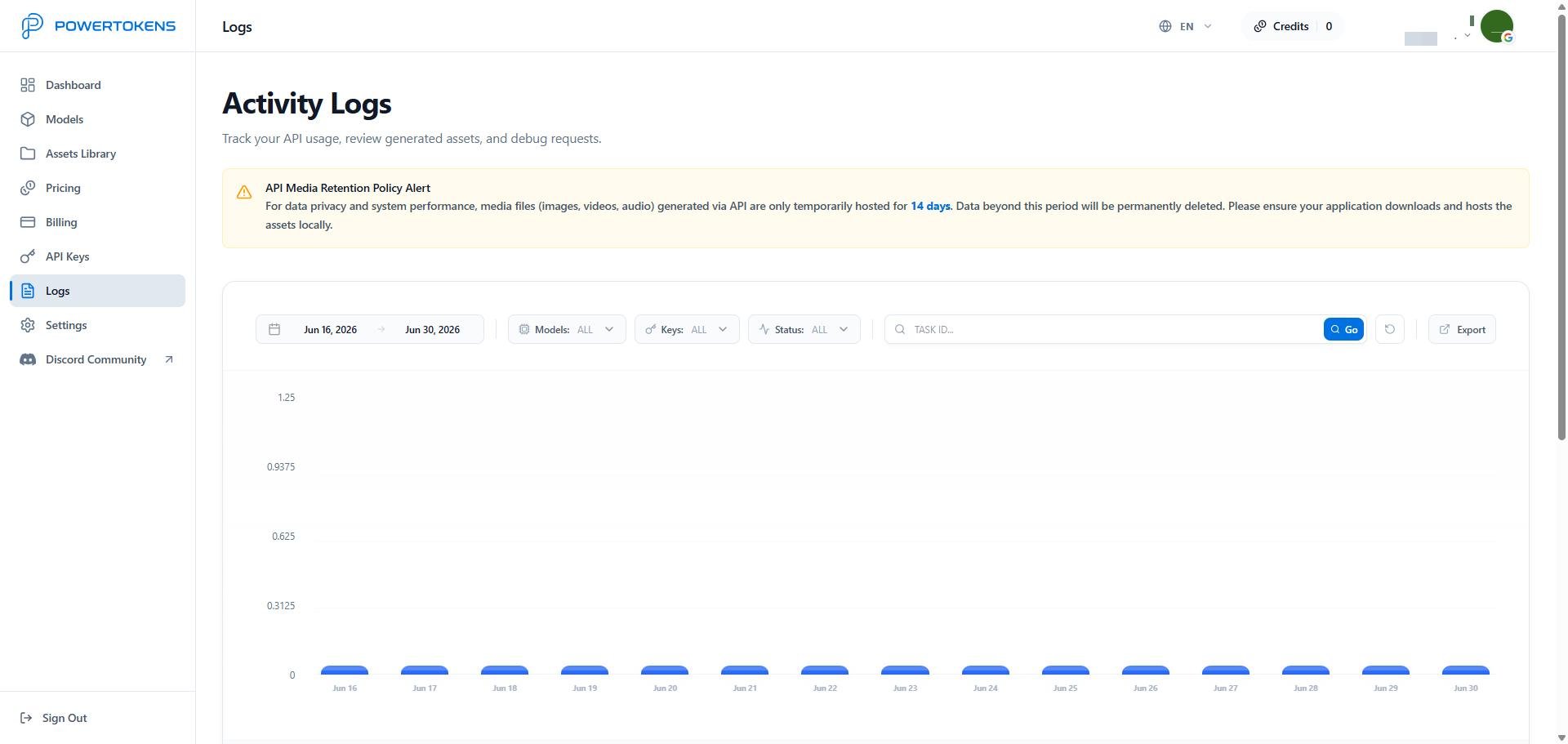 Logs help you:
* View request history
* Track generated results
* Find request failures
* Analyze errors
* Debug request parameters
When you troubleshoot a request, first check the request time, model name, request parameters, and error details.
## View usage stats
Open [**Dashboard**](https://www.powertokens.ai/en/dashboard) to review resource usage.
Logs help you:
* View request history
* Track generated results
* Find request failures
* Analyze errors
* Debug request parameters
When you troubleshoot a request, first check the request time, model name, request parameters, and error details.
## View usage stats
Open [**Dashboard**](https://www.powertokens.ai/en/dashboard) to review resource usage.
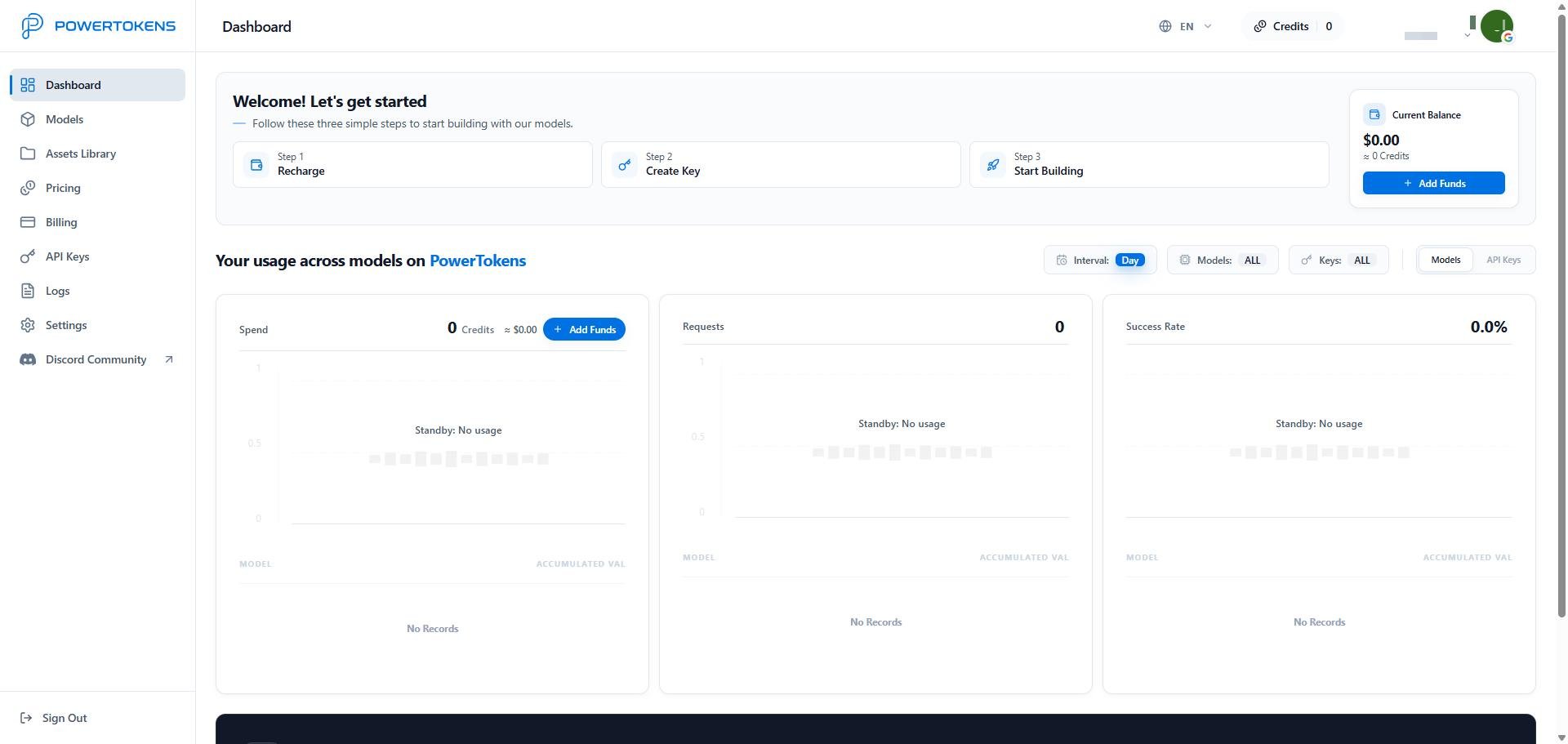 You can analyze usage by model and API key:
* Credits usage
* Request count
* Success rate
* Key-level usage
Use these metrics to control cost and understand production usage.
## Get help
If you need help, contact PowerTokens through:
* Email: `service@powertokens.ai`
* Discord: [https://discord.gg/bWA4EaFQ4](https://discord.gg/bWA4EaFQ4)
You can analyze usage by model and API key:
* Credits usage
* Request count
* Success rate
* Key-level usage
Use these metrics to control cost and understand production usage.
## Get help
If you need help, contact PowerTokens through:
* Email: `service@powertokens.ai`
* Discord: [https://discord.gg/bWA4EaFQ4](https://discord.gg/bWA4EaFQ4)